
When mass adding program records for students using the Mass Program application, it is now possible to add associated placement records. This feature was released in Q 4.3.1.
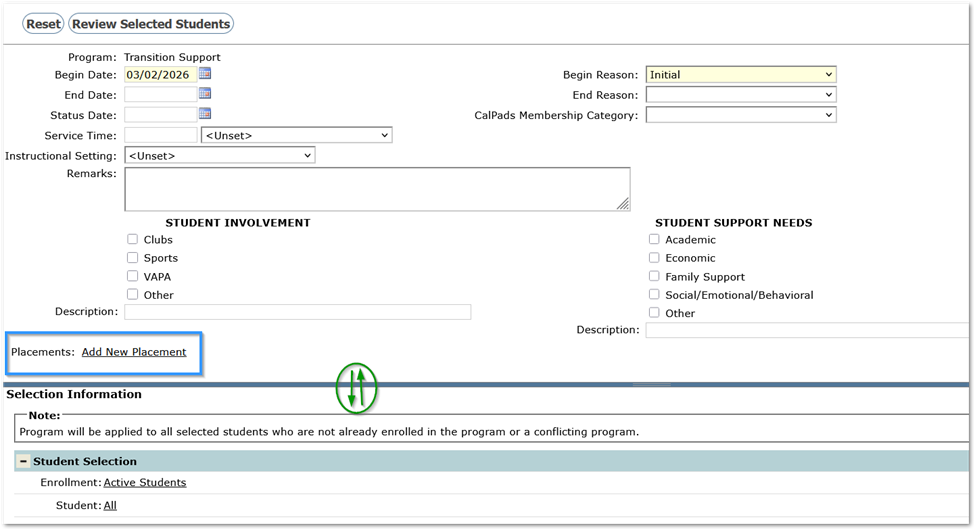
Programs may have district-specific fields that appear as part of the data to complete when creating records. In some cases, there are many fields and the Selection Information section may cover a portion of the fields to complete. As a result, it is entirely possible that users may not realize the option to ‘Add New Placement’ is available.
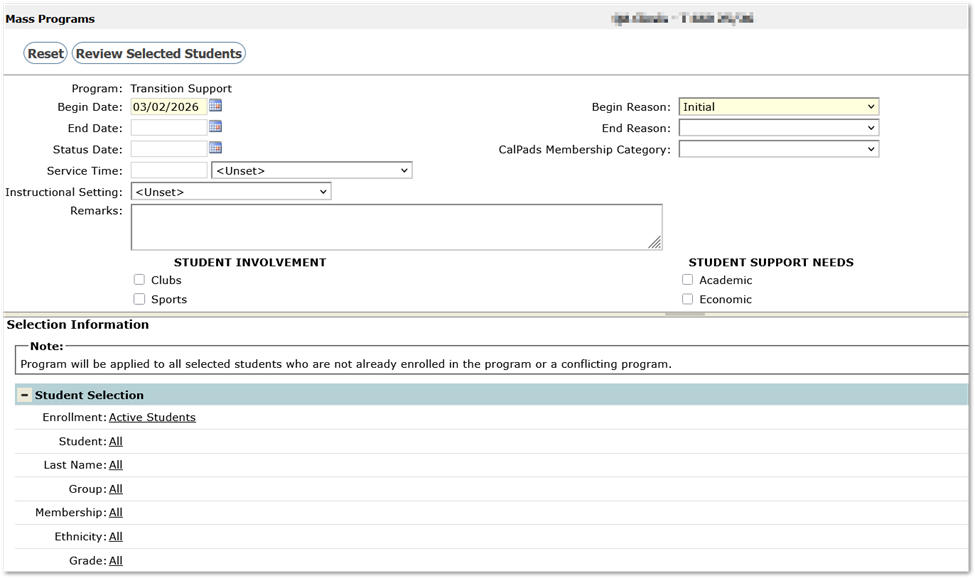
Slide the splitter bar just above ‘Selection Information’ down to see the full record definition and access the Add New Placement link.
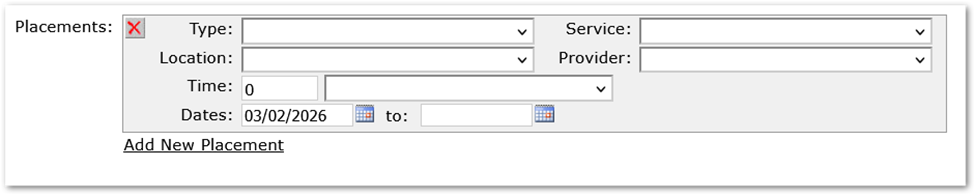
Complete the placement, adding additional placements if needed.
Continue with the process, selecting students, reviewing selected students etc. See documentation for details.
If the Mass Programs Roll Back feature is used to undo program records created in error, the removal of program history records will include removing associated placement records as well.