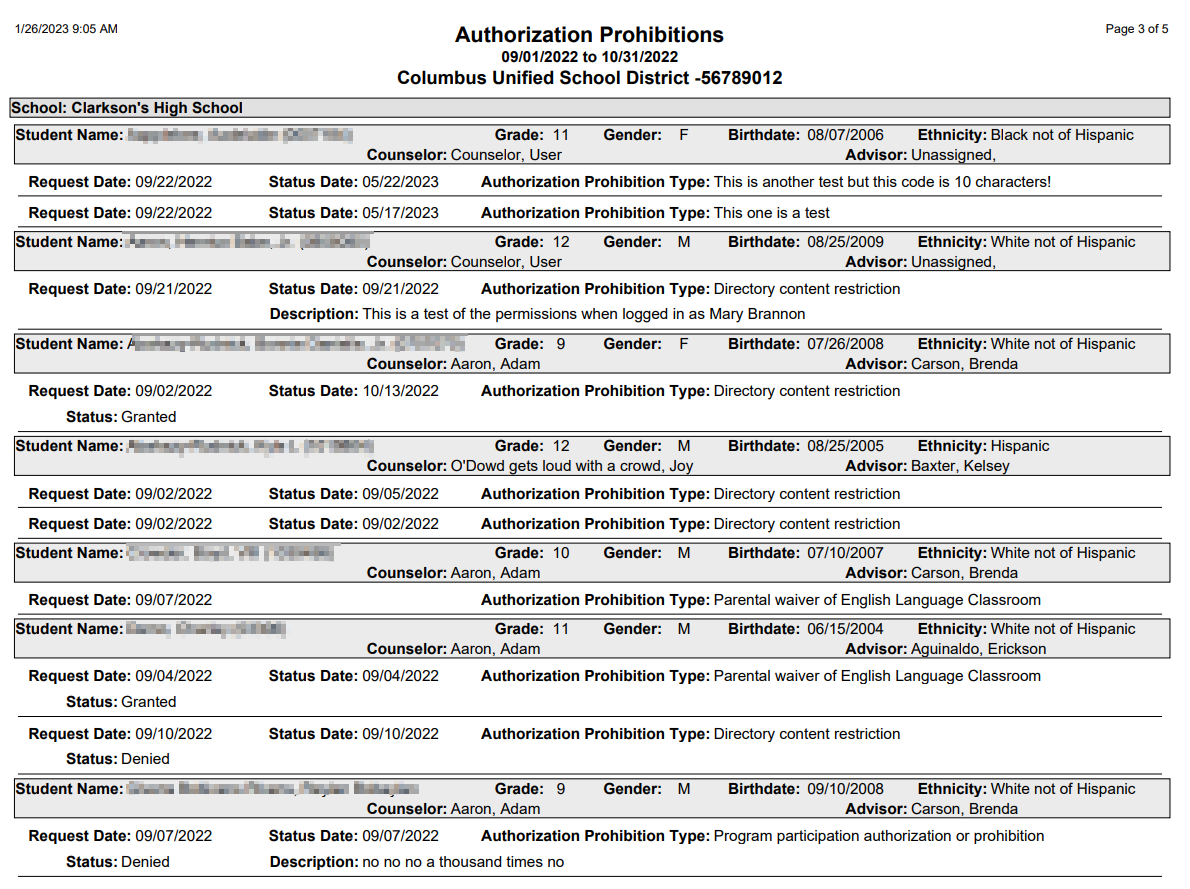
The Q Authorization Prohibition Report prints a listing of all students who have parental authorizations or prohibitions entered in the Records Authorization application for their child to participate in a class or school program. The report may be run for user defined authorization types and date ranges.
While details specific to this report will follow, users can find general information about reports within the Reports documentation.
Authorization Prohibitions Report is located within Reports in the Enrollment menu in Q.
Report Options
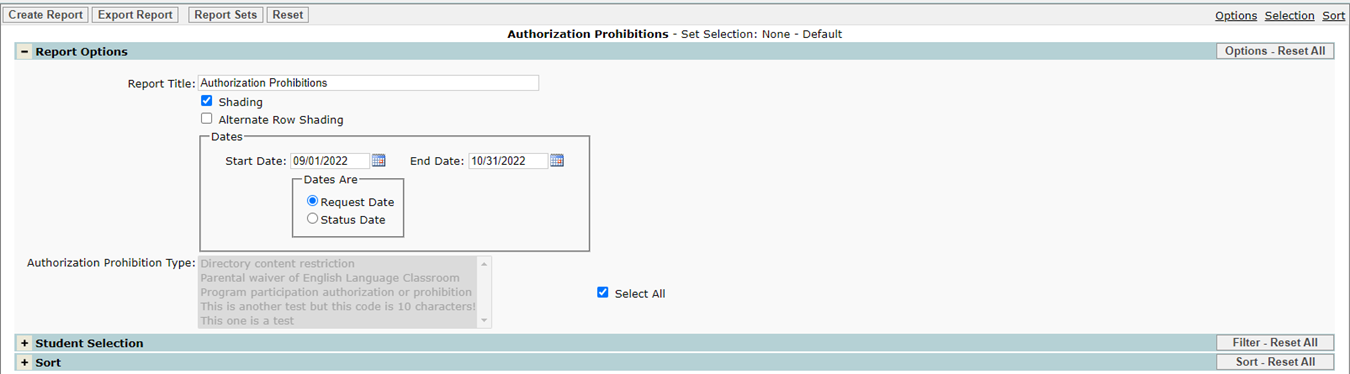
The Q Authorization Prohibition Report offers the following report options:
- Authorization Prohibition Type
- Defaults to Select All, remove the check from the Select All box to enable individual Authorization Prohibition type selection.
- Select individual types from drop down list by selecting type, Ctrl-click to select multiple types.
Example Reports