The Mass Parchment Upload application enables users of Parchment to batch upload student transcripts. The application uses the Q Student Filter to enable selection of a set of students. Students will only be selected and processed if they have a State ID.
Mass Parchment Upload is located under the System menu in Q.
Use the Student Selection filter criteria to select the students for uploading transcripts to Parchment.
Click Review Selected Students button at the top. 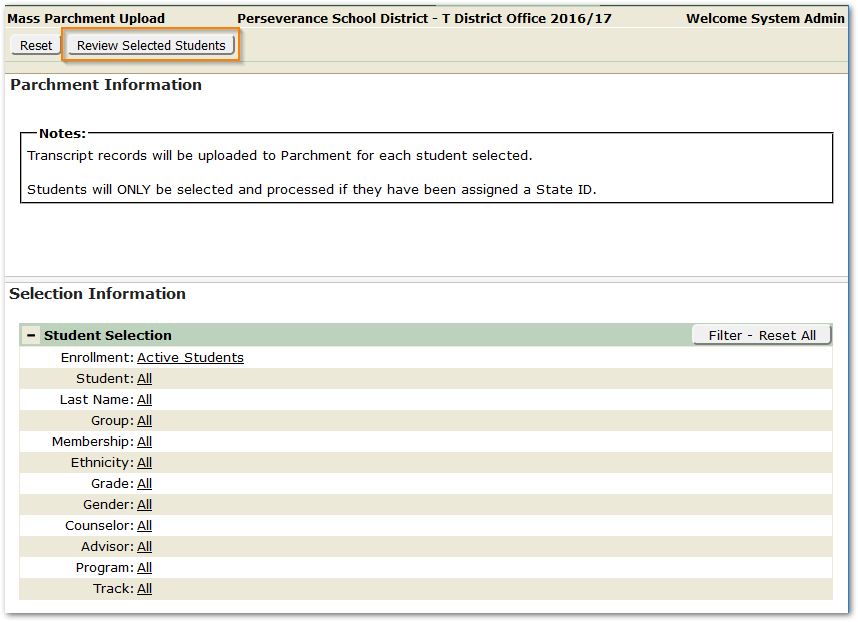
A review screen of the Students Selected for Upload will open.
Note that students selected in the filter criteria above, that do not have a State ID will not appear in the Student Selected for Parchment Upload list.
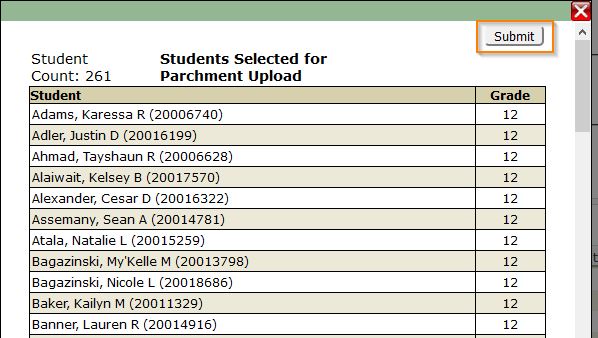
When you have reviewed the set of selected students, and are satisfied, click Submit. Otherwise close the window and adjust the Student Selection criteria.
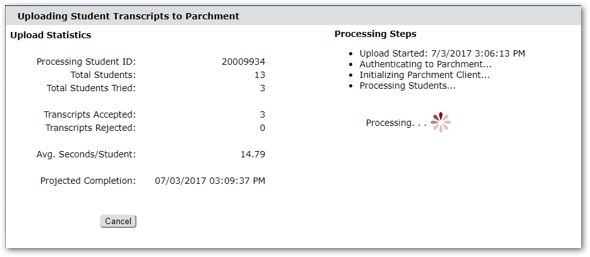
Transcripts will be uploaded and a status screen will appear indicating Students processed, Transcripts accepted or rejected etc.