
The Student Behavior Report displays a list of students and their class schedules. Student behavior incidents are noted for the specific class and date of occurrence. Multiple user-defined selection and sorting options are available to customize the report results.
While details specific to this report will follow, users can find general information about reports within the Reports documentation.
Student Behavior Report is located within Reports in the Behavior menu in Q.
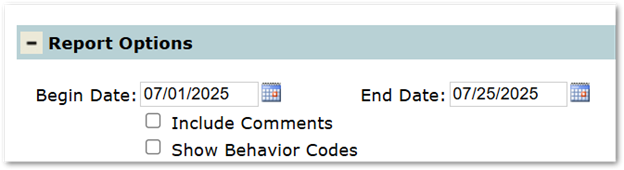
- Include Comments: Will include comments included in a student’s behavior incident.
- Show Behavior Codes: If checked, includes behavior codes within the report’s table. Example:
- Unchecked: Behavior Codes are not visible.
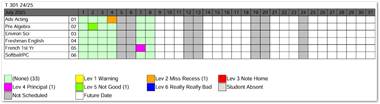
- Checked: Behavior Codes are visible.
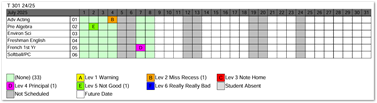
- Unchecked: Behavior Codes are not visible.
Unique Student Selections for Student Behavior Reports
The Enrollment within Student Selection defaults to Students This Year, excluding Part-Time Students. This selection can be changed by clicking on the link to display additional choices.
Create Report
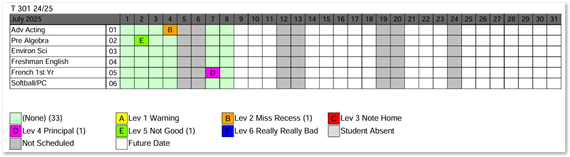
Above example displays a report for a single student, with comments NOT included and Behavior Codes visible.
Export Report
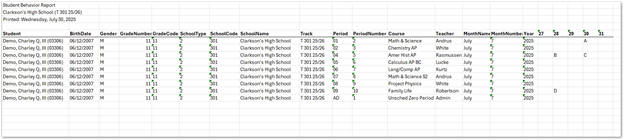
Above example displays a report for a single student, with comments NOT included and Behavior Codes visible.
