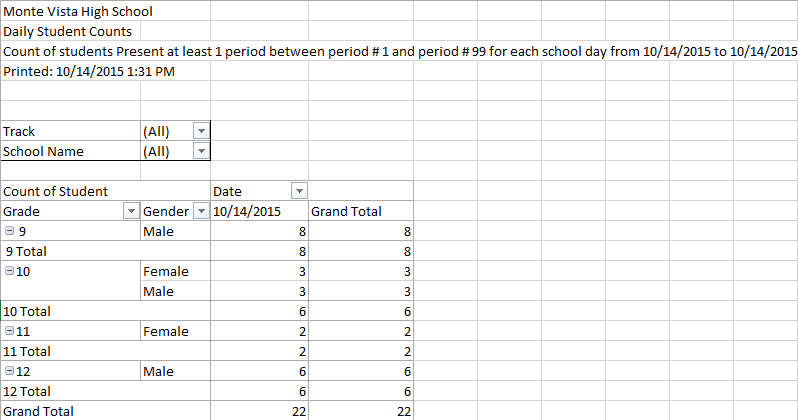
This report creates an Excel Pivot Table that provides attendance and student schedule data analysis. This is useful for viewing total counts of students present for one or more periods each day.
While details specific to this report will follow, users can find general information about reports within the Reports documentation.
Daily Student Counts Report is located within Reports in the Attendance menu in Q.
Report Options
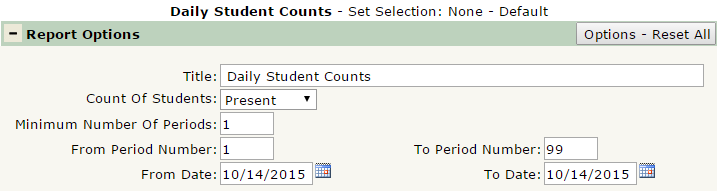
Q Daily Student Counts offers the following report options:
- Title – Displays at the top of the printed report, rename here if necessary.
- Count of Students – Select either Present or Scheduled. Determines if the report includes attendance data or class schedule data.
- Minimum Number of Periods – Defaulted at 1, defines the minimum number of periods to include in the report.
- From/To Period Number – Defines the range of periods to include in the report. Defaulted at 1 to 99, to include all possible periods.
- From/To Date – Defines the date range for the report. Defaulted to today.
Example Reports
This report produces an Excel Pivot Table. This example report was run with default settings, as seen in the above Report Options screenshot: