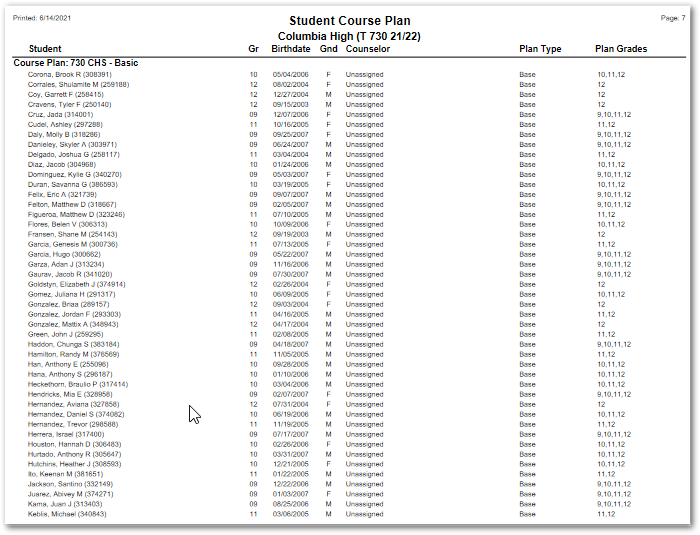
The Student Course Plan Report provides a report of Student Course Plan information in two formats: By Student and By Plan. The user may elect to report each student or plan, depending on the format chosen, on a new page. When reporting by student, the user may choose to report all grades or from the current grade on. Specific Course Plans may be chosen, and students may be selected using standard student selection filters.
While details specific to this report will follow, users can find general information about reports within the Reports documentation.
Seating Chart Report is located within Reports in the Schedule menu in Q.
Student Course Plan Report Options enable the user to select or set: 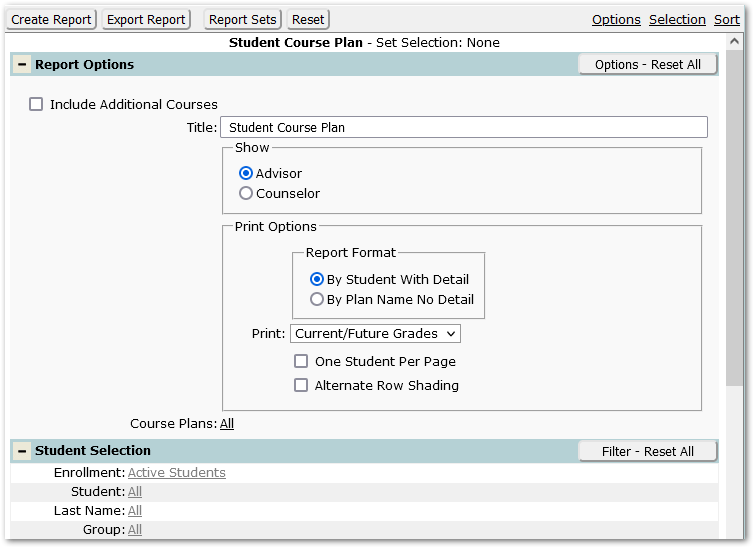
Include Additional Courses - When checked (the default) any additional courses assigned to the student, not associated with one of their Plans, will be included.
Title – The default title of ‘Student Course Plan’ will appear, but it may be edited and revised.
Show Advisor or Counselor – Select whether to show advisor or counselor.
Print Options:
- Report Format:
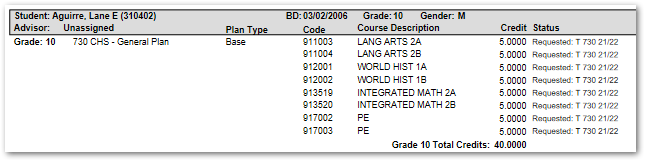
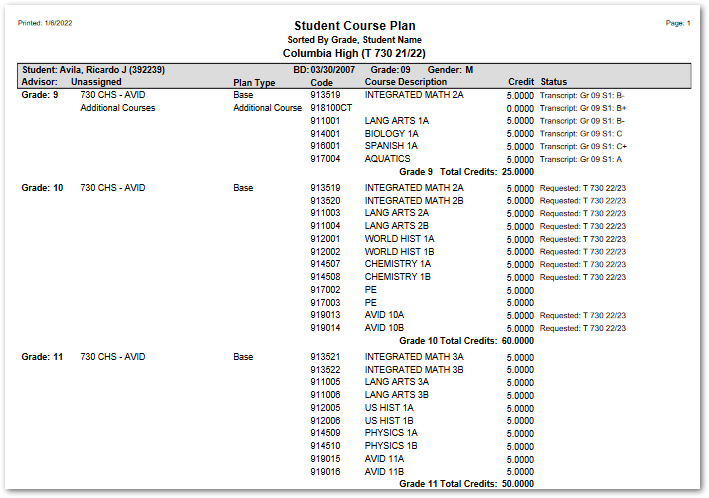
- By Student with Detail - The report will print each student with demographic information in a header with the list by grade level of their Course Plan items, showing the Plan name, courses with credit and status.
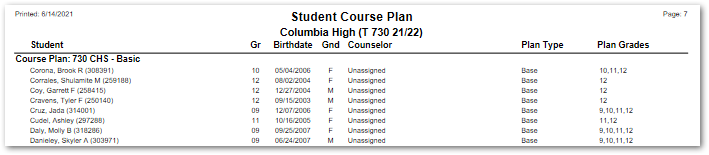
- By Plan Name No Detail – The report will print selected plans, listing students with limited demographic data and the applicable grade levels for the Plan.
- By Student with Detail - The report will print each student with demographic information in a header with the list by grade level of their Course Plan items, showing the Plan name, courses with credit and status.
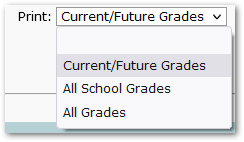
- Print – Select the grades to print. The report defaults to ‘Current / Future Grades’, but ‘All School Grades’ or ‘All Grades’ may be selected.
- One Student Per Page – Check to print one student per page.
- Alternate Row Shading – Check to enable alternate row shading.
Course Plans – ‘All' plans is the default, but specific plans may be selected.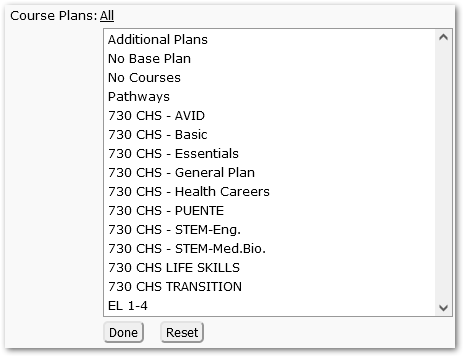
Reports may look different depending on the options, selections, and sort items chosen.
The following example shows Student Course Plan by Student with Detail:
The following sample shows Student Course Plan by Plan Name: