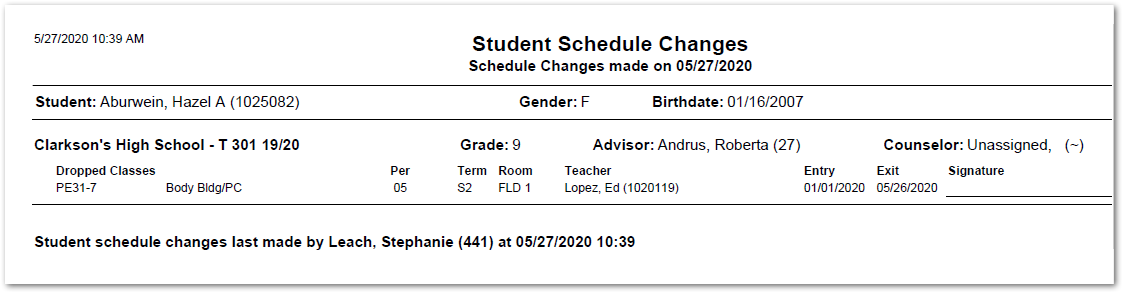
This report generates a list of schedule changes (adds and drops) per student as of a specified date. The report may also be printed from the Student Schedule application when a user makes a student schedule change.
While details specific to this report will follow, users can find general information about reports within the Reports documentation.
Student Schedule Changes Report is located within Reports in the Schedule menu in Q.
The following options may be applied to the report:

- Report Title – The default title of the report is Student Schedule Changes but may be edited by the user.
- Changes As Of – The report looks for schedule changes as of the specified date.
Sample Student Schedule Changes Report
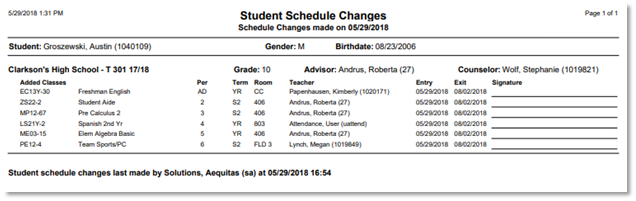
Student Schedules
A preference is available in Student Schedules that allows the user to select if they want to print this report or to be asked, every time a student schedule change is made.
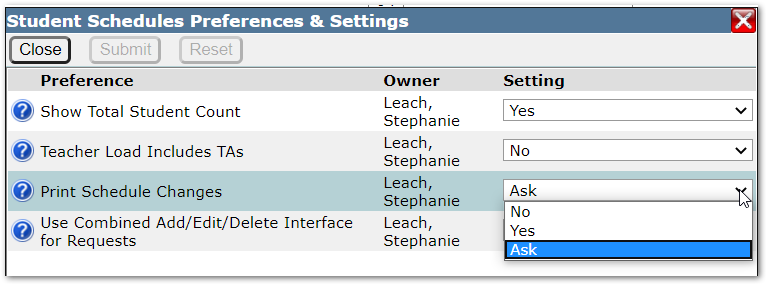
Sample report printed from student schedules after a schedule change