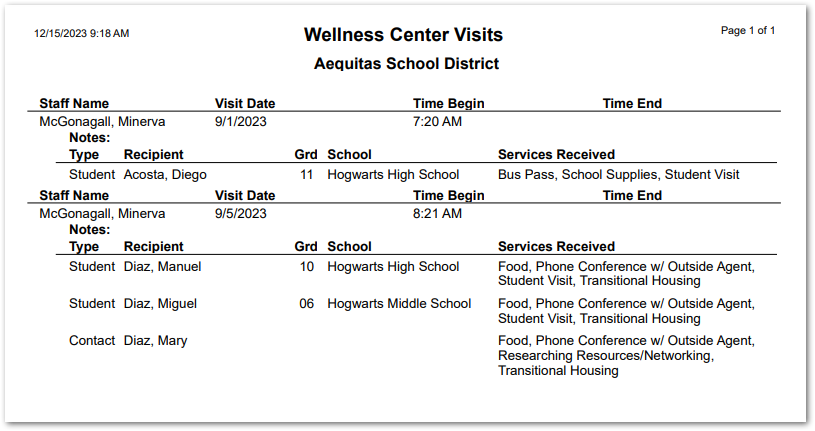
This report for the Wellness Center application provides a list of all visits and services provided to people during the visit. Notes may optionally be included.
While details specific to this report will follow, users can find general information about reports within the Reports documentation.
Wellness Center Reports is located within Reports in the Health menu in Q.
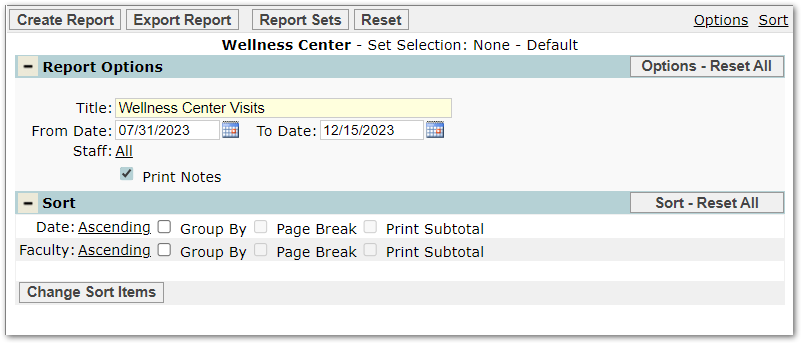
The report offers the following options:
Title: Will default to ‘Wellness Center Visits’ but may be changed.
From Date: Will default to the first day of the track but may be adjusted.
To Date: Will default to the system date but may be adjusted.
Staff: Will default to logged-in staff with visit records. Users with Administrator permission to the Wellness Center application will be able to select from all staff with visit records.
Print Notes: may optionally be checked to include visit notes.
Sort options include Date and Grade.
A sample report is shown below.