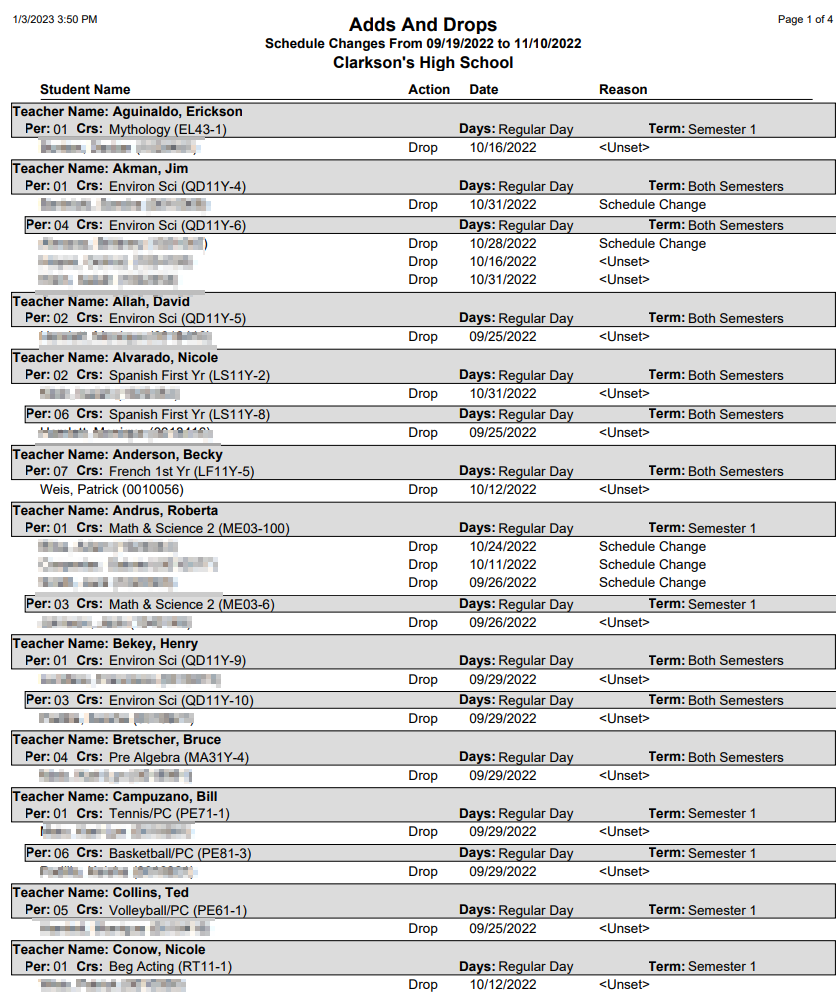
This report prints a listing of student schedule changes that have occurred during a user specified date range. The report is intended for teachers. Its intent is to inform teachers of the students who have enrolled in or withdrawn from their classes. The report is sorted by teacher name, period, cycle day, and course name. Options allow the user to set page breaks between teachers, show only courses added, show only courses dropped, or both.
While details specific to this report will follow, users can find general information about reports within the Reports documentation.
Adds And Drops Report is located within Reports in the Schedule menu in Q.
The Q Adds And Drops Report offers the following options: 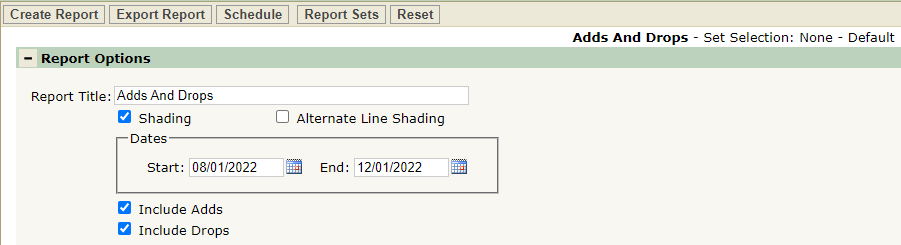
- Report Title—The default title of the report is Adds and Drops but may be edited by the user
- Shading—Select to include shading on the report
- Alternate Line Shading—Check box to enable shading on alternate rows
- Dates—Enter a date range for class size counts
- Include Adds—Select to include instances when a student added a class on the report
- Include Drops—Select to include instances when a student dropped a class on the report
Note: Reports may look different depending on options, selections, and sorting.
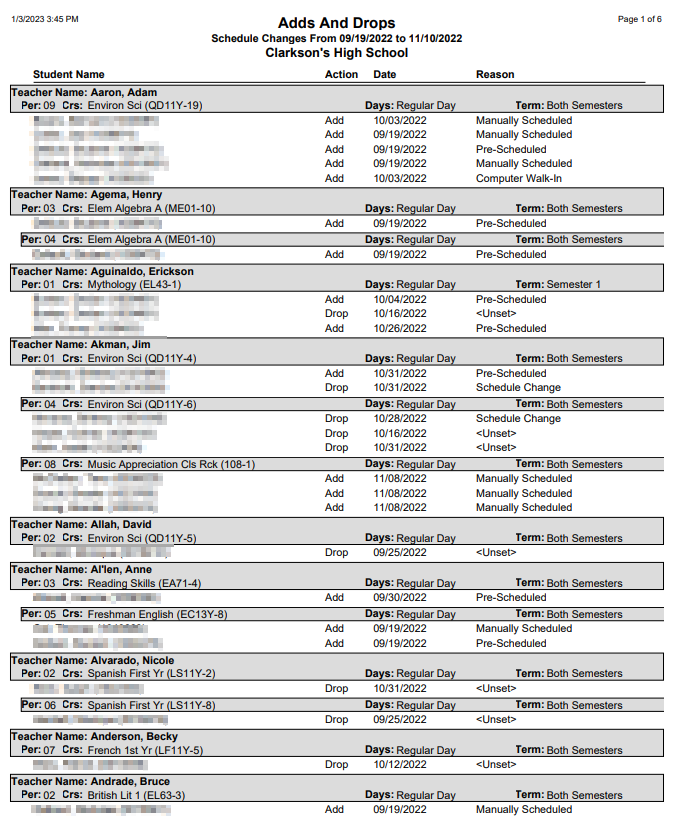
Sample Adds and Drops report
Sample Adds And Drops report showing only Drops