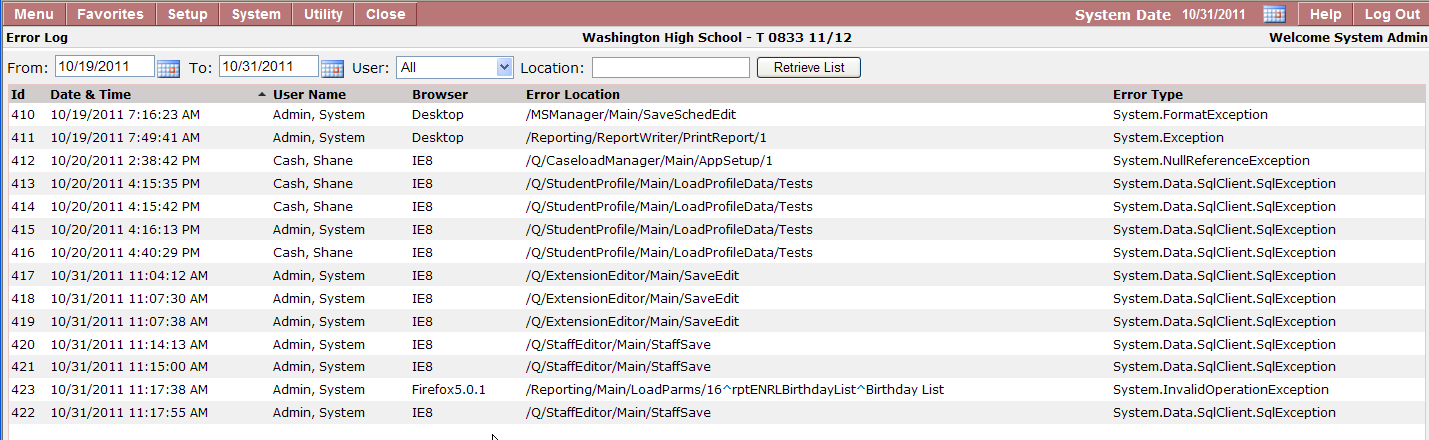
The Q Error Log application allows IT Staff the ability to see errors visually generated from Q applications. The error messages seen within the Error Log Application will show an error Id, Date & Time, User Name, Browser, Error Location and Error Type.
Error Log is located under the System menu in Q.
Searching for Specific Errors
- The default view in the Error Log displays all errors from the past 10 days for all users.
- Edit the From Date and/or To Date and/or User to alter the default Error Log view and click Retrieve List.

- Edit the From Date and/or To Date and/or User to alter the default Error Log view and click Retrieve List.
Viewing Detailed Error Information
The Error Log allows the user to view all Q application errors for the date range and specific user selected.
- Each column can be sorted by clicking on the header title which will be indicated by the tiny triangle arrow next to the title.
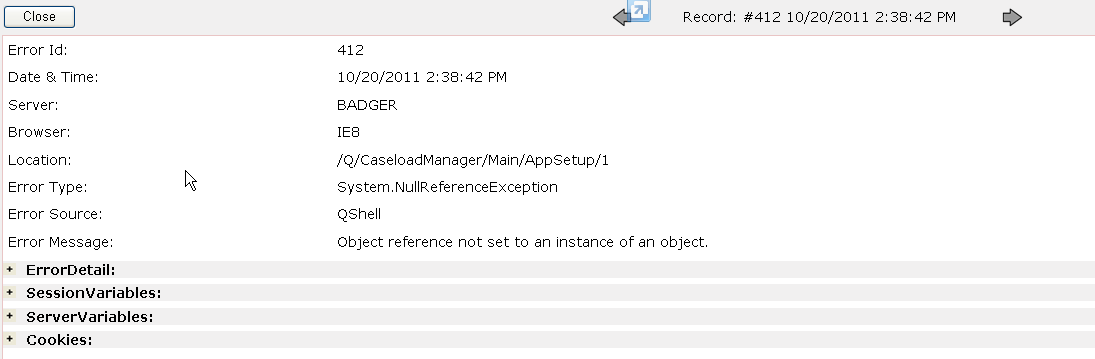
2. To view more information about a specific error within the viewing grid, just double click desired row.
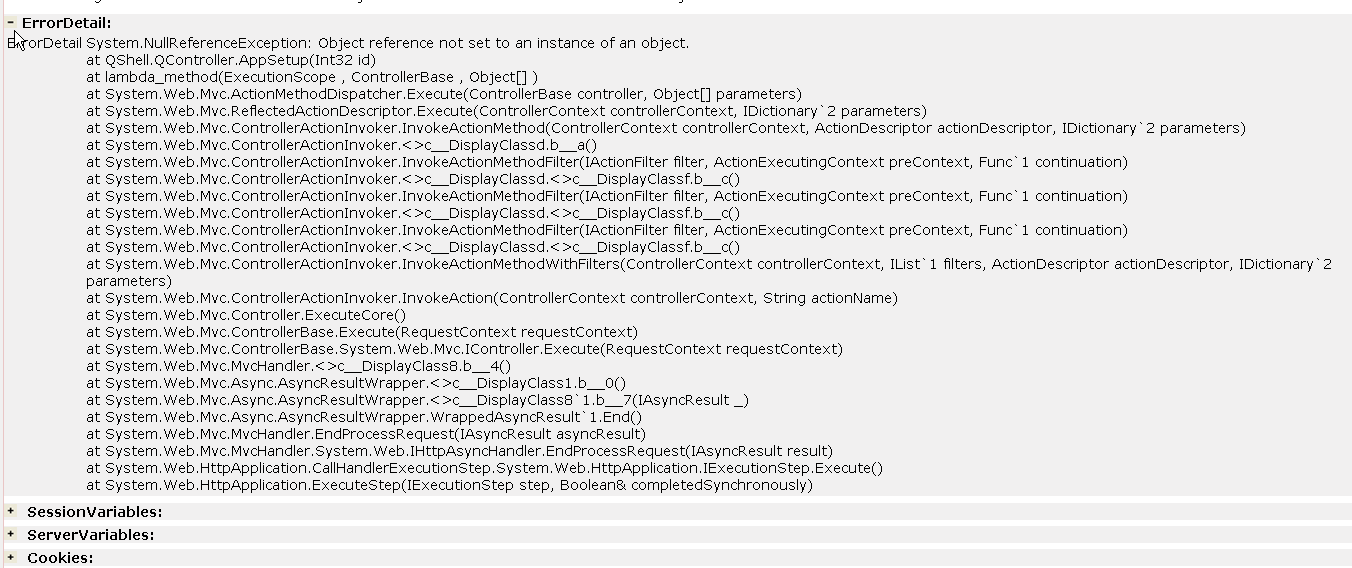
3. To expand and see more details there are four (4) additional areas. Clicking on the plus sign (+) for each area displays the details of that item.