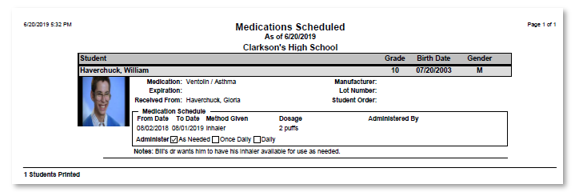
The Q Student Documents Report allows the user to print selected document types for a student or students.is designed to display all stored student documents.
While details specific to this report will follow, users can find general information about reports within the Reports documentation.
Student Documents Report is located within Reports in the Enrollment menu in Q.
Report Options
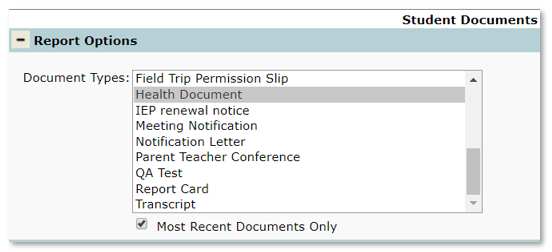
- Document Types – Select the document type to print by clicking in the list (to select or de-select more than one type, press the Ctrl key while clicking)
- Most Recent Documents Only – Check to print only the most recent documents.
NOTE: Currently, Q reporting will only generate reports on documents that are submitted as PDF format
Example Reports