
For districts using ParentConnection for their annual re-enrollment process, this report generates a printable copy of the submissions made by parents. Only the sections of the re-enrollment process related to the student are included in this report. Extension fields created for re-enrollment are included in the report, though complex extension designs may be displayed in a more simplified format.
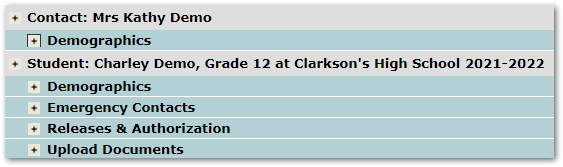
Sample re-enrollment sections from a parent’s account
While details specific to this report will follow, users can find general information about reports within the Reports documentation.
Re-enrollment Detail Report is located within Reports in the Enrollment menu in Q.
The following options may be applied to the report:

- Title – The default title may be customized by user.
- Disable All Shading – Check to remove all shading and save ink or toner when printing the report.
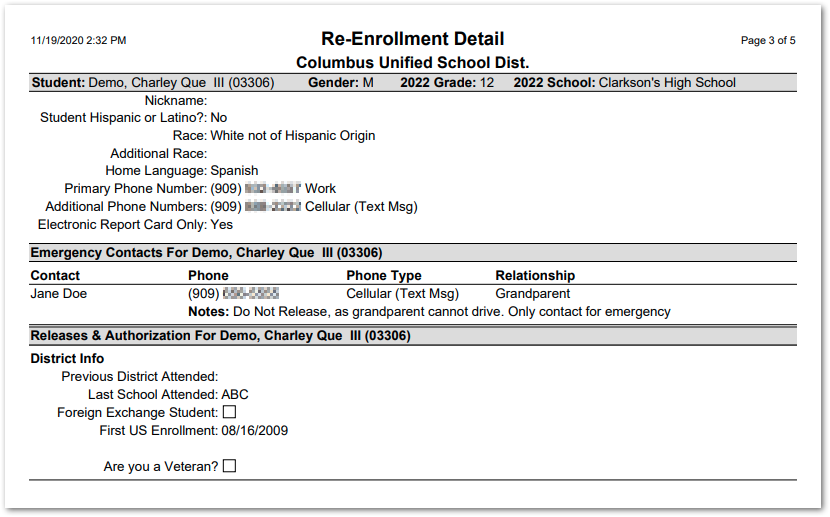 Parent submitted re-enrollment information
