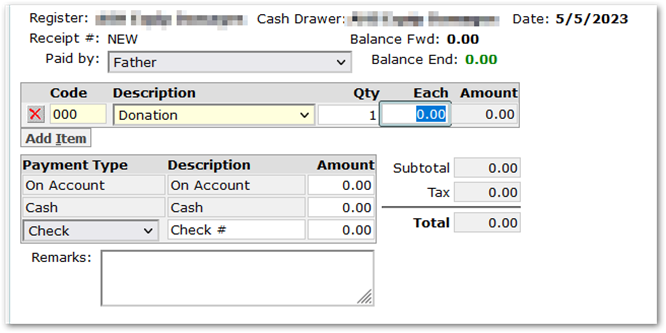
Setting up variable price items in SBA enables the price to be set at the time of the transaction. In our example, parents can make a donation of any amount through Parent Connect Online SBA Payments.
Setup: In Student Body Accounting Setup, on the Items tab, add an item with Full, Reduced and Free prices all set to 0.00.

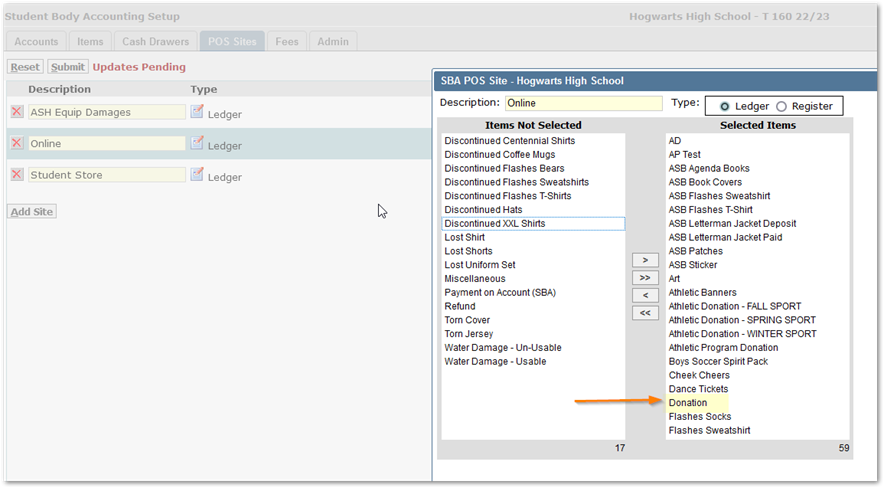
Add the item to the appropriate POS Sites, i.e., for Parents to be able to give a donation online, it will need to be added to the online POS site:
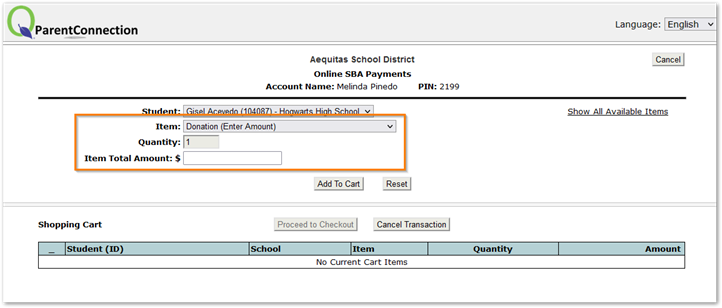
Use: In Parent Connect, when the parent goes into Online SBA Payments, and selects the ‘Donation’ item, they will be able to specify any amount:
This will also be true if the payment is made through the SBA Transactions application.