
Class Attendance is a class banner application primarily used by teachers to enter attendance for their assigned classes. Teachers typically are only given access to data for the courses they are assigned to teach, for the logged-in track. Users with roles other than teachers may view all courses, depending on their permissions.
While details specific to this report will follow, users can find general information about reports within the Reports documentation.
Program History Report is located within Reports in the Programs menu in Q.
Report Options can be accessed by clicking the + sign next to Report Options, or by clicking the Options link on the right hand side of the screen.

- Once the options are displayed, highlight the desired options.
- The Program History Report can be run:
- For an ‘As of Date’ defined by the user.
- Click on the calendar icon to display a calendar for easy date selection.
- With or without Remarks.
- For an ‘As of Date’ defined by the user.
Special Program History Report
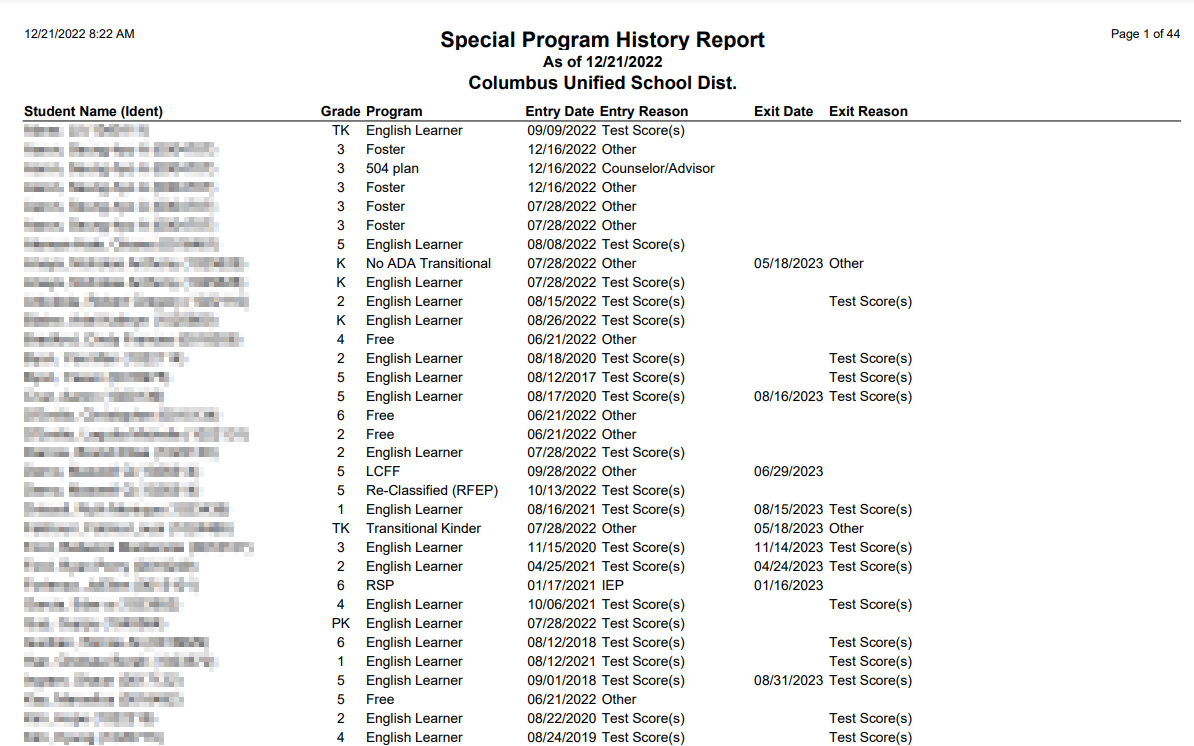
NOTE: Reports may look different depending on options, selections and sort order selected
