
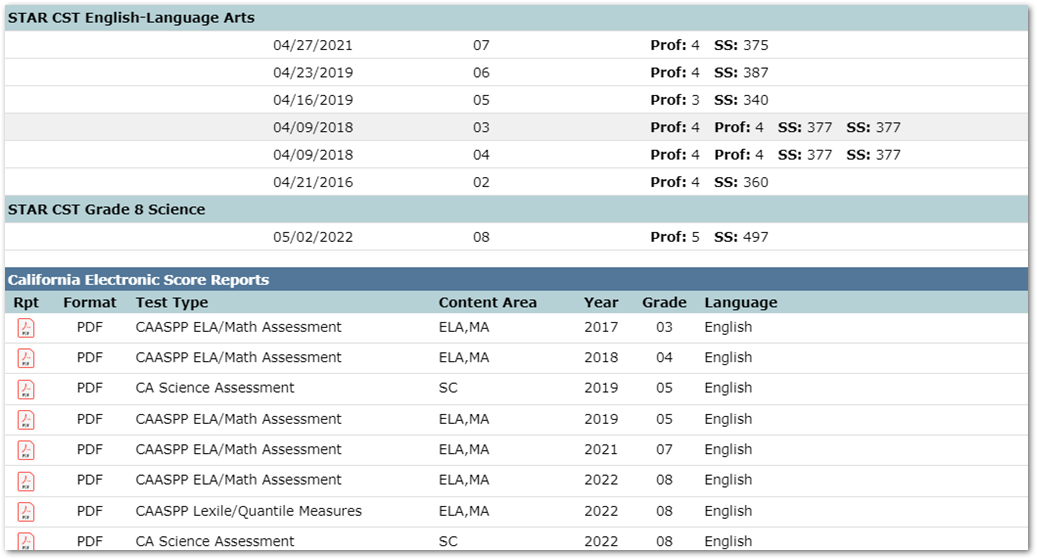
For our California districts - students, parents, and staff can view associated CAASPP scores from ETS, right in the Q Student Profile. In the below image from the Student Profile, when this is enabled, an extra section will appear in the Testing profile section for California Electronic Score Reports.
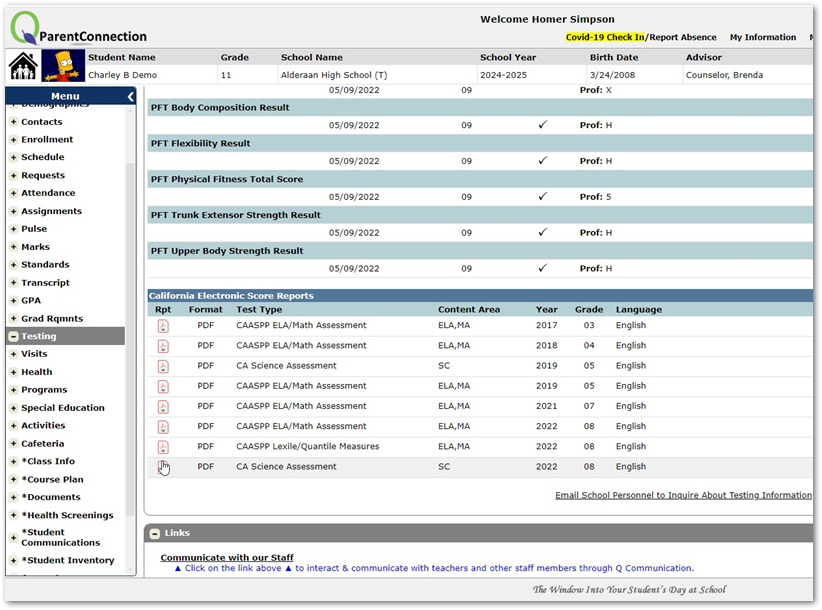
The same data can also be seen by students and parents in their portals, as long as the district has made the Testing module available:
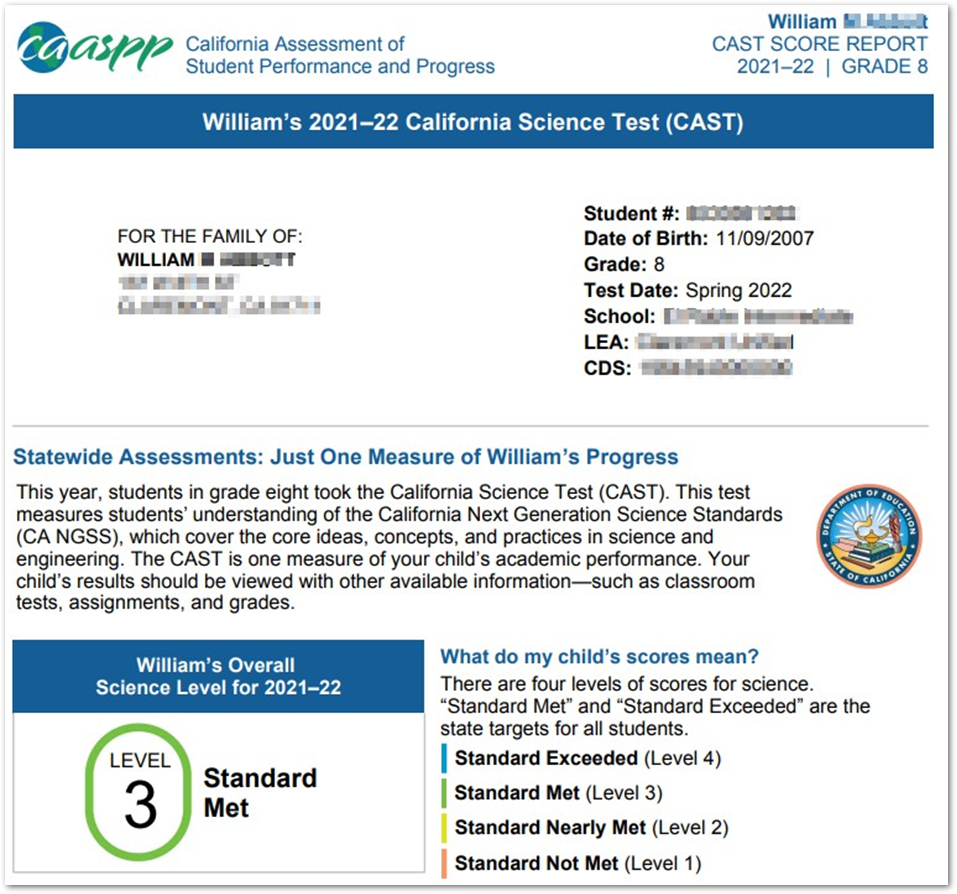
When the user clicks on the PDF icon next to any test, you’re brought to the ETS site for this student in a new tab:
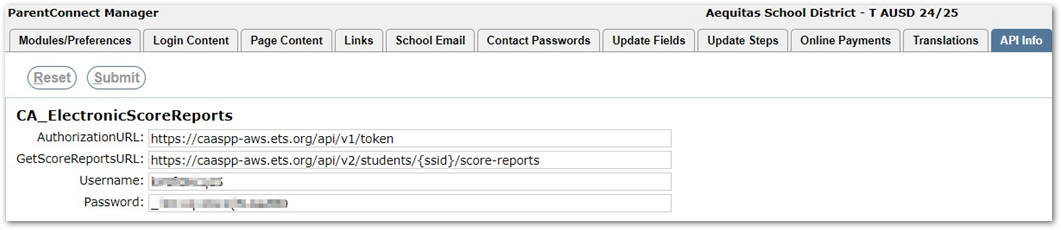
Setup for this requires the below URLs to be added into the ParentConnect Manager > API Info tab. Then, your district will need to obtain username and password credentials from ETS to use their API.
And that’s it! This is a great tool to add to your instance of Q to allow your students and staff the ability to see their standardized test scores and performance.