
This report produces a list of students with Overdue IEPs with a user defined number of days overdue.
While details specific to this report will follow, users can find general information about reports within the Reports documentation.
Special Ed Overdue IEP Report is located within Reports in the Programs menu in Q.
Report Options
- The Overdue IEP Report can be run:
- For All Resident Districts or selected districts.
- For All Service Locations or selected locations.
- User defined number of days Overdue.
- When all options have been selected click Done.

Example Reports
Overdue IEP Report
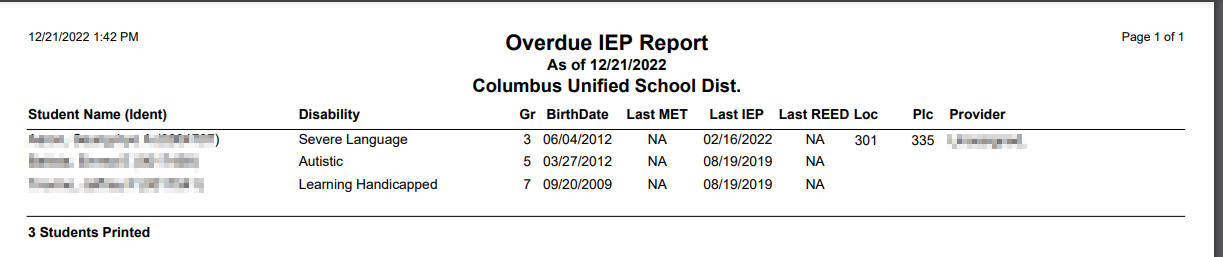
Overdue IEP Report grouped by school and provider
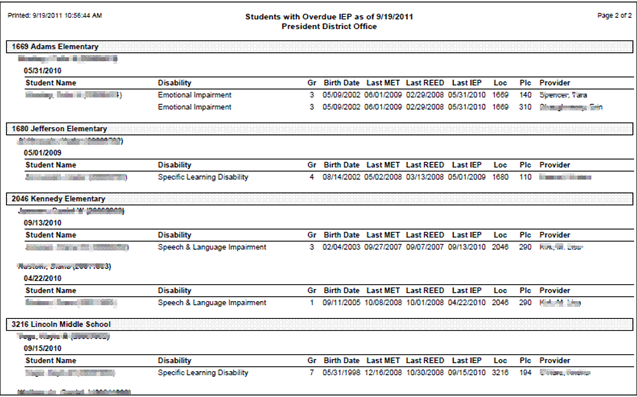
Note: Reports may look different depending on the options, selections and sort order selected.
