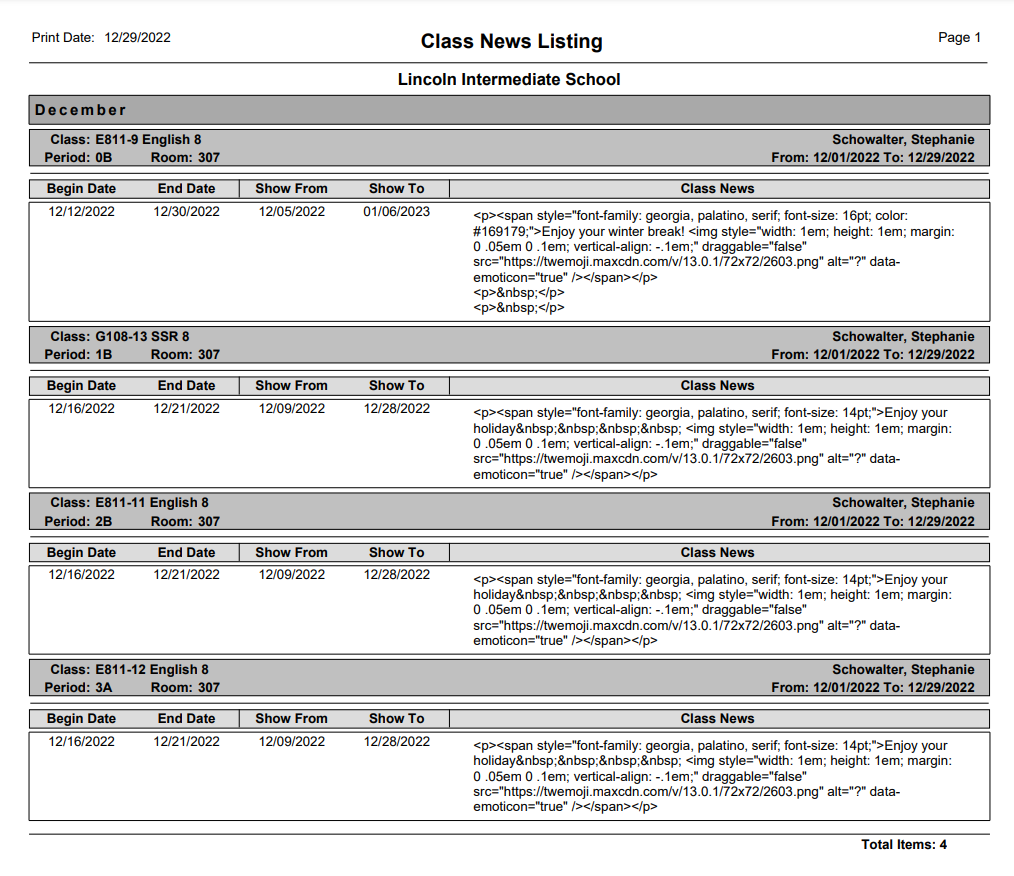
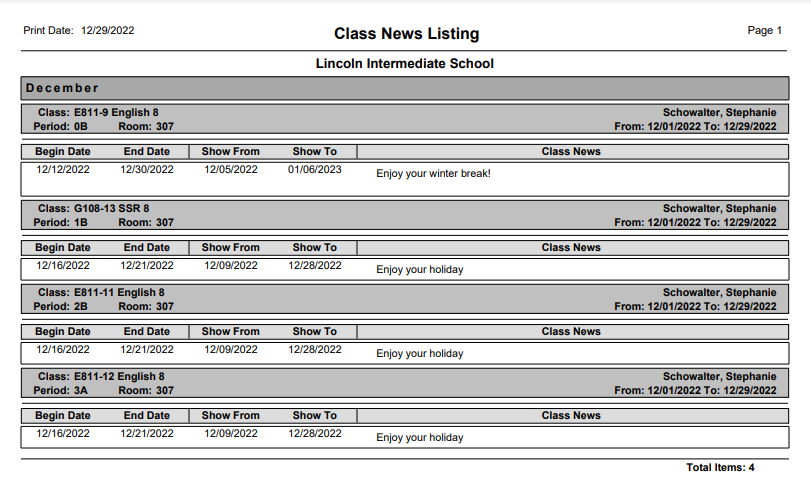
The Q Class News Listing Report prints a listing of class news for a selected teacher and date range.
While details specific to this report will follow, users can find general information about reports within the Reports documentation.
Class News Listing Report is located within Reports in the Schedule menu in Q.
Report Options
The Class News Listing report options include:
- Title: The title may be customized to user’s choice.
- Teacher: If the logged in user has access to all, all teachers with classes scheduled in the track will display in the drop down list for selection. If the user is the teacher, the teacher name defaults to their name.
- Dates: Enter a date range for class news listings.
- Include HTML Tags: If checked the report will include HTML tags used in formatting the class news item.
- Include Month Sub-Headings: If checked the report will include a heading indicating the month the Class News item occurred.

Example Reports
Report with Month Sub Headings turned on
Sample Report with HTML box checked