
Student Scan is a separate web application used to scan student IDs and log that information to the Q database. The application can be used for a wide array of processes. Common uses are checking students in and out with late arrivals and early dismissals. Other uses can include tracking student attendance at events or locations.
Student Scan is a separate web applications; Q login credentials will be the same.
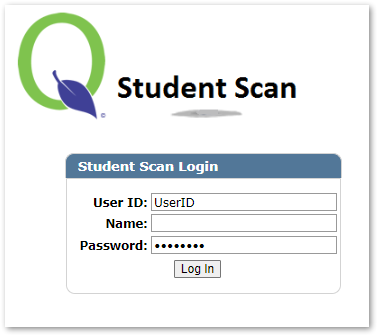
Once logged in, select options from pull down menu for each of the fields. Continue to activate the scan session.
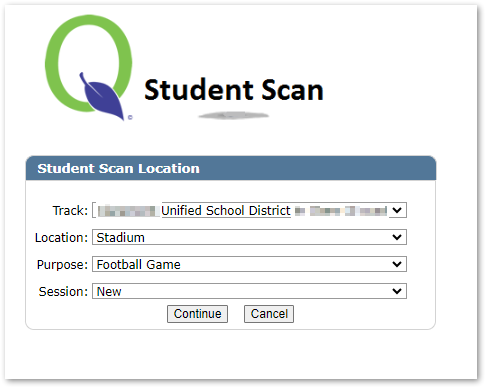
- Track: When activating a scan, must be logged in at the school site. User can select which track within that school site.
- Location: Locations are defined inside the Student Scan Manager
- Purpose: Purpose is defined within the Student Scan Manager
- Session: New or continue a previous session. If a session had been previously started that day, the option will appear to select that session to continue.
System – Student Scan Manager [Application] Access to Student Scan Manager App and the Student Scan App.
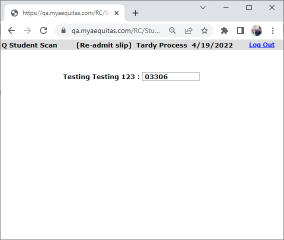
Below is an example of a student scan session created to track attendance. Once a scan session has been initiated either user can scan or enter student id, depending how the setup is configured.
- Fill in Student ID
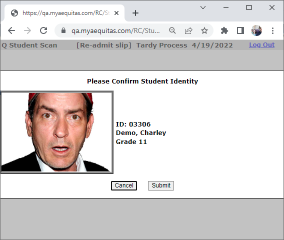
- Verify student by picture
- Current status is displayed
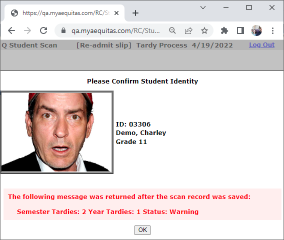
- Re-Admit slip is set to be printed

