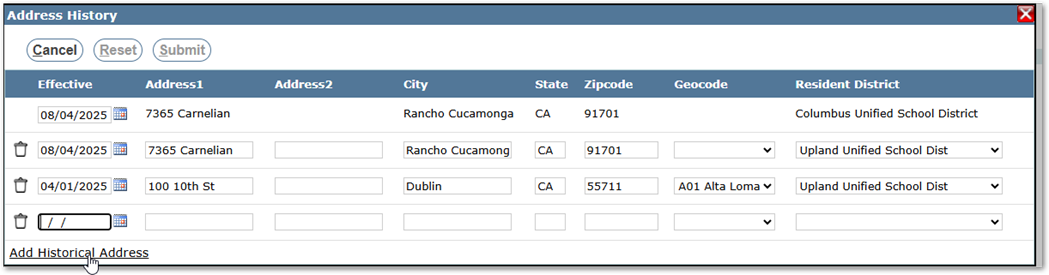
When a student has a change in address the previous address is kept and can be viewed (with permissions) in the Student Editor> Edit Demographics screen.
To see address changes, you must first have the permission item Enrollment: Student Editor [AddressHistory]. This also works with permissions to Edit Student Demographics in the Student Editor.
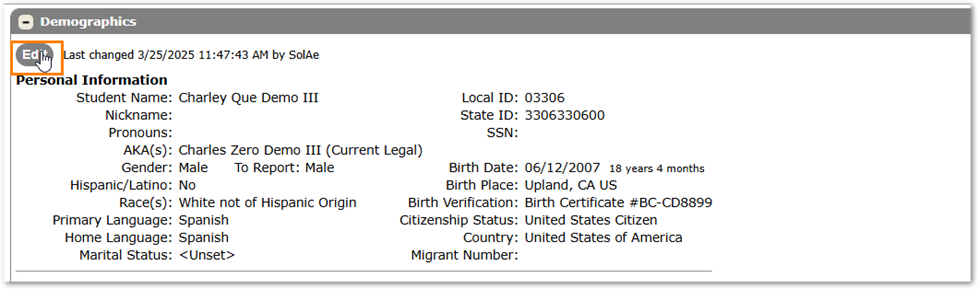
To access a student’s Address History view that student in Student Editor. Then in the Demographics section click the Edit Button.
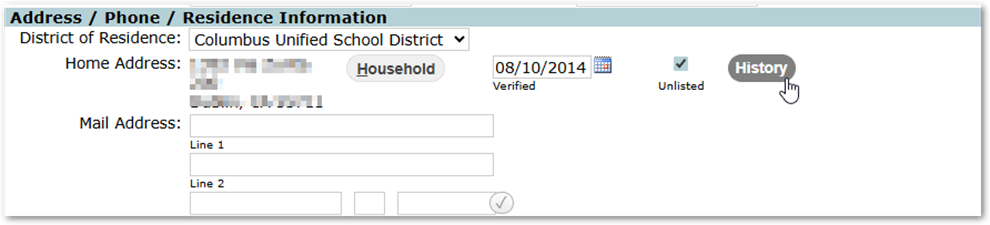
On the same line as the Home Address in the Edit screen you will see a button called History
Click on this button and you will see the Address history for the student.
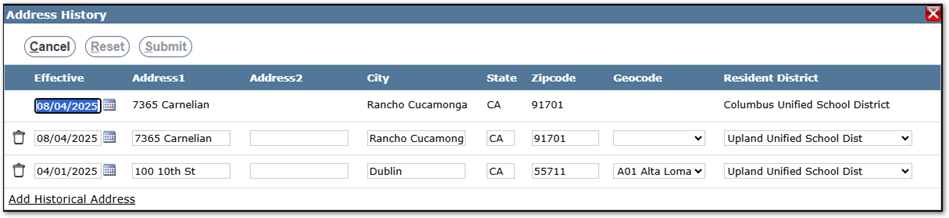
If you have some historical addresses that are not seen in this window you can add them by clicking on the Add Historical Address link at the bottom.