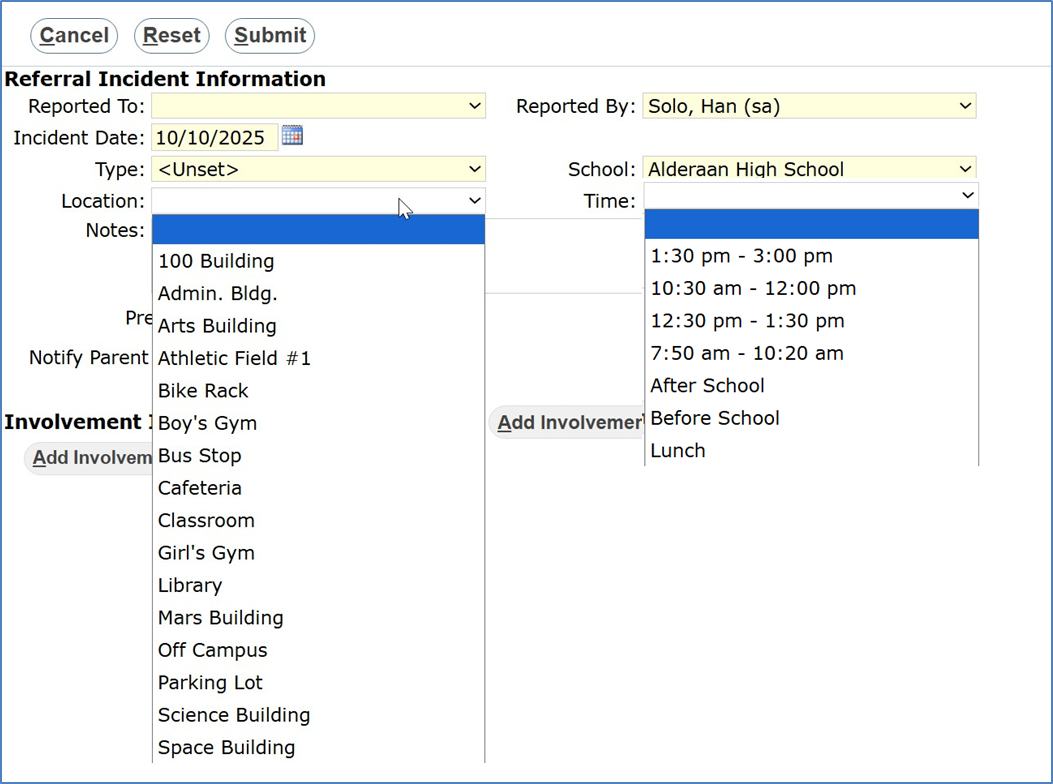
When filling out a behavior incident or referral, you have the option to record a Location and Time that this event took place:
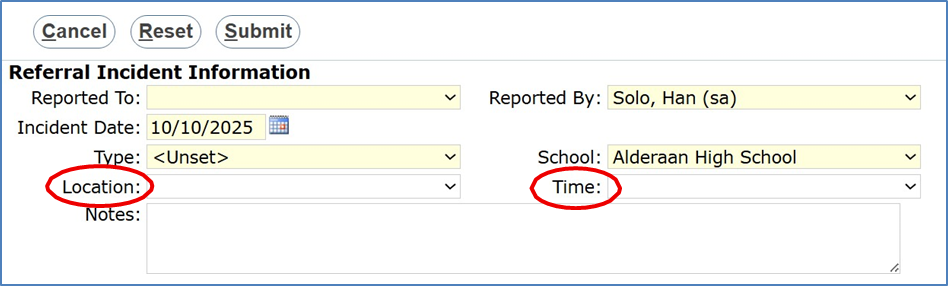
If you wish to add more options to these drop-down lists, that can be done in the School Menu, in the Classroom Editor:
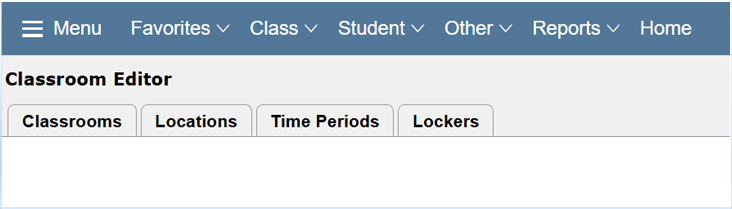
Select the Locations tab to edit the available locations. This list is tied to the logged in school, so it will differ from track to track: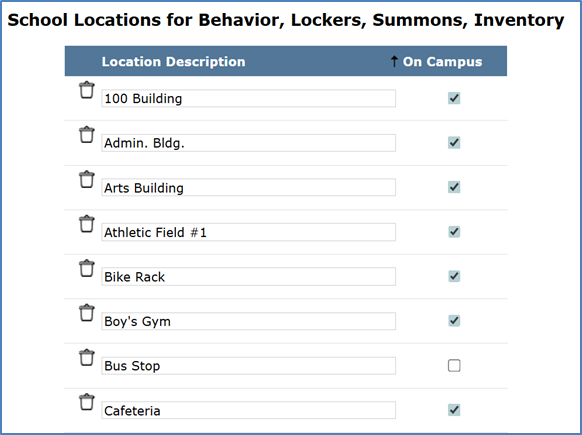
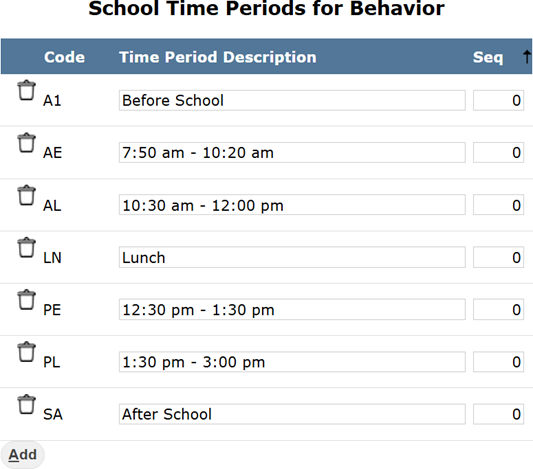
The same is true for the Time Periods tab, each list is tied to the logged in school:
Once you have made your updates and saved, your new Locations and Times will be available in the Student Behavior module: