
You can configure the system to begin accepting Online Surveys for next year in 2 simple steps. All through the interface. To do this first navigate to the Online Apps & Surveys tab. You will need to set an end date for the current year surveys. For instance, March 31.
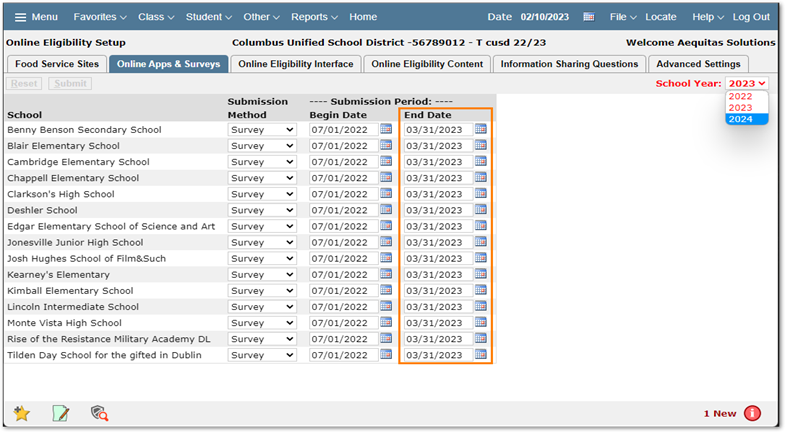
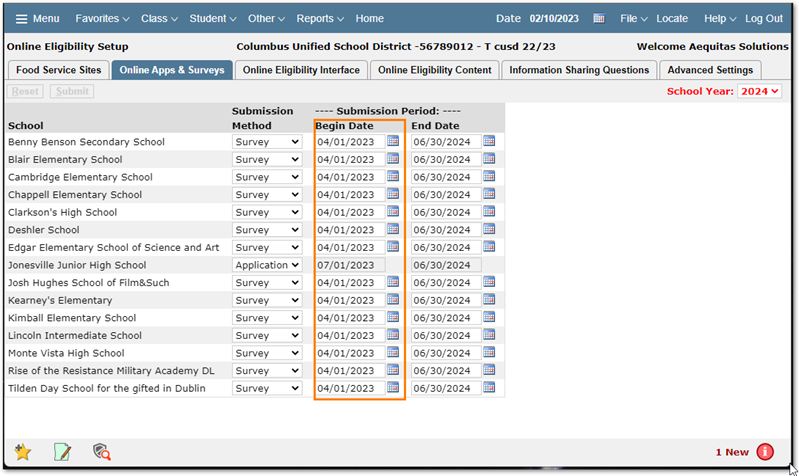
Then in the upper right-hand corner change the school year to be next year (ex:2024). Set the Submission method to Survey (if required) Then set the start date to be a date after the 2023 submission period has closed. In this example April 1st. Applications are controlled by USDA Guidelines and will remain set to the default submission dates of 07/01-06/30.
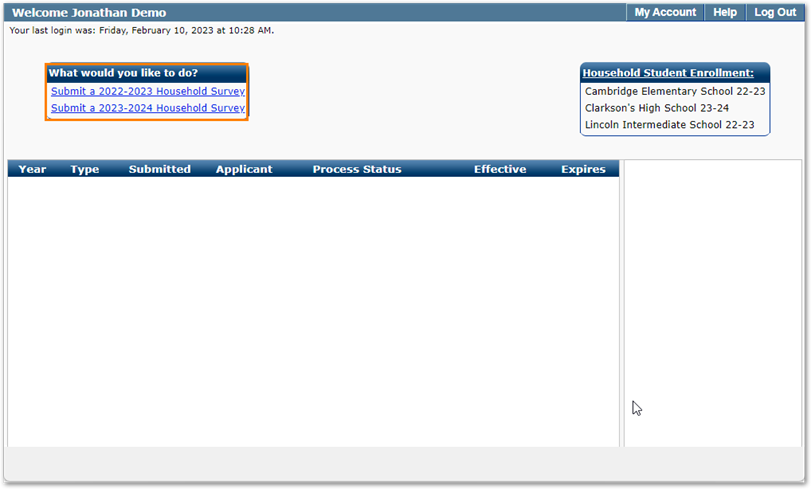
When the parent logs in they will be presented with a choice to submit a survey for the current year or next year.
It is important to note that Surveys cannot be submitted until that years eligibility guidelines have been entered either from Aequitas provided script, or by using the Income Guidelines tab of the Eligibility Applications app.