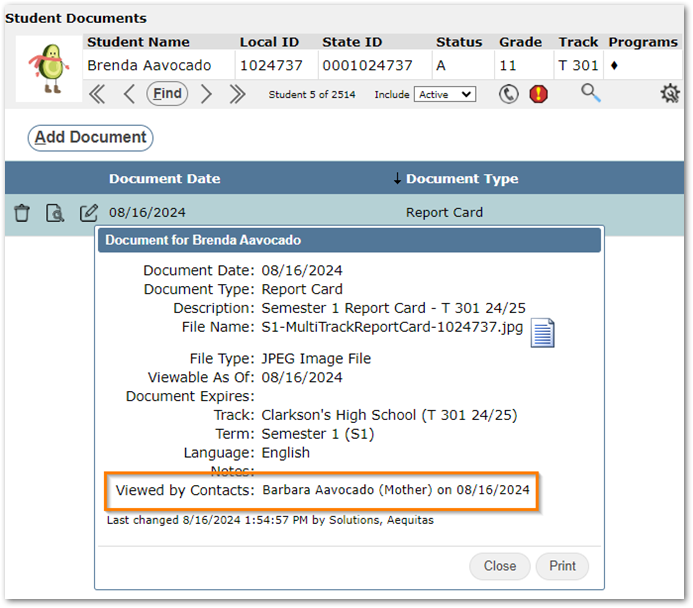
Q can record the last time a contact downloaded a specific document from ParentConnection. This information is then displayed in the Student Documents application.
Lookup Codes
Administrators use the Lookup Codes app to configure which document types are visible in the parent portal and which document types record when a parent has downloaded them.
First, navigate to Lookup Codes > Code Definitions tab > Code Category: Document Type.
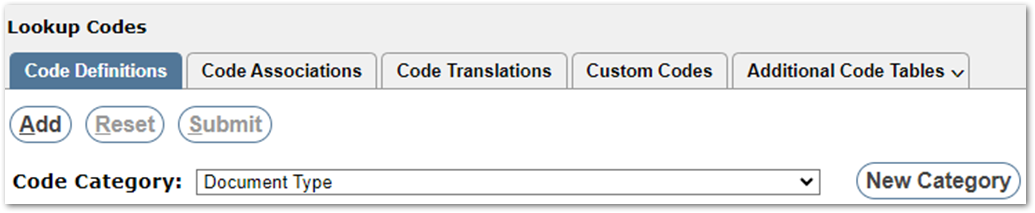
Place a 1 in the ShowInPortal column for any document types that parents should see in the portal. Place a 1 in the RecordParentViewed column for any document types that should record when a parent has downloaded them.

Click Submit and save your changes.
ParentConnection
In ParentConnection, users can see documents and download them by clicking the icon in the Doc column:
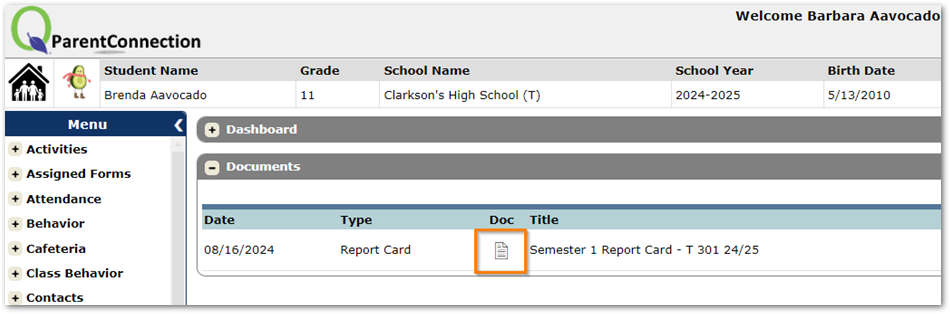
Once the parent downloads the document by clicking the icon in the Doc column, Q will record that document as having been viewed. If the parent simply opens the Documents band, but does not actually download the document, it will not count as being viewed.
Student Documents
In the Q Student Documents app, documents that record parent views have a ‘Viewed by Contacts’ field in the document details window:
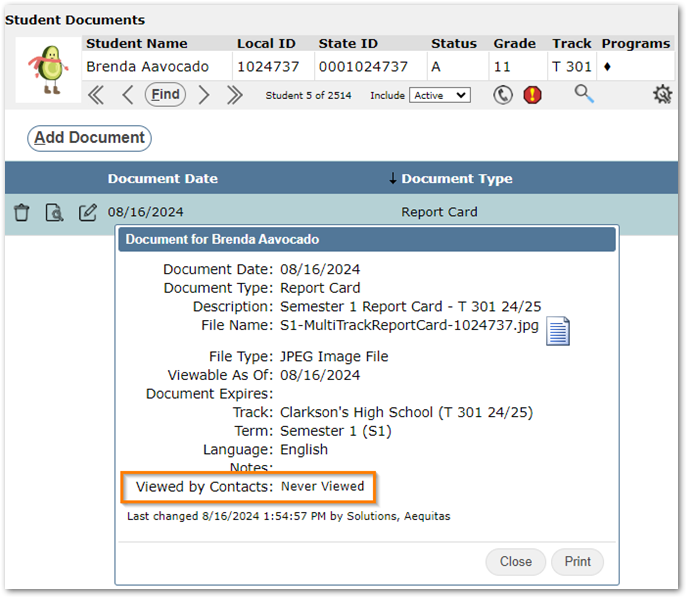
Once the document has been downloaded it will display the date and user that downloaded it last: