
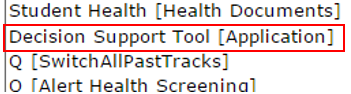
The Q Decision Support Tool is a reporting interface that allows administrators, staff, and teachers to access summary data from various areas of the database in a count and/or trend format. Access to the Decision Support Tool is permission driven. Users with the Decision Support Tool (Application) permission may share individual DST reports to different user roles from within the application.
Decision Support Tool Permissions
If the logged in user has access to a role that has the Decision Support Tool permission item, (or if the user is flagged as System Admin), they will have access to edit these report options.
The Decision Support Tool Reports now appear in the Reporting Menu, each of them ending with (DST) at the end of the display name.
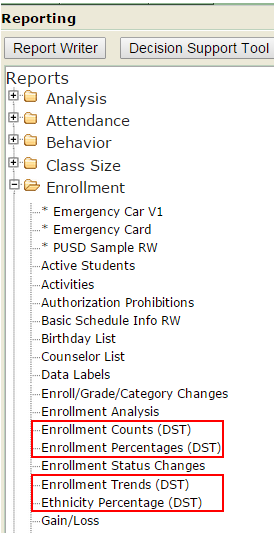
- Users with the Decision Support Tool (Application) permission may share individual DST reports to different user roles from within the application.
- Click the Decision Support Tool button
- Select the desired report from the report menu tree
- Select permission roles to grant access to the report (multiple roles may be selected by holding the control key and clicking on individual roles)
- Submit
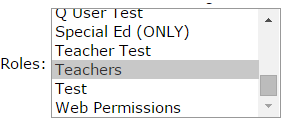
Users who have access to select DST reports will see the following: 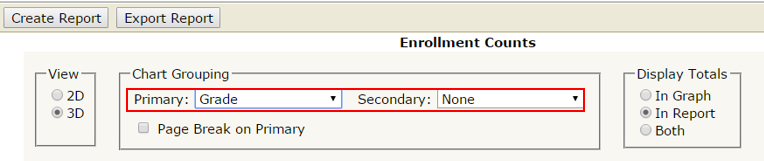
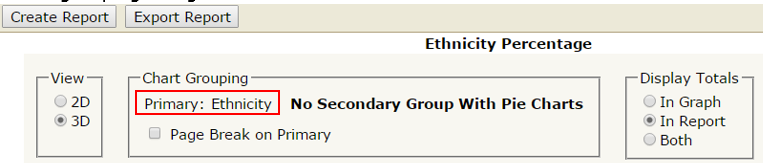
They can select whether they would like the chart to appear 2D or 3D, if the Primary Group type is not preset in the DST options, users can select from the dropdown list what they would like the primary and secondary grouping options to be.
Note: If the grouping options are pre-set, it will appear as follows: users cannot select grouping categories.
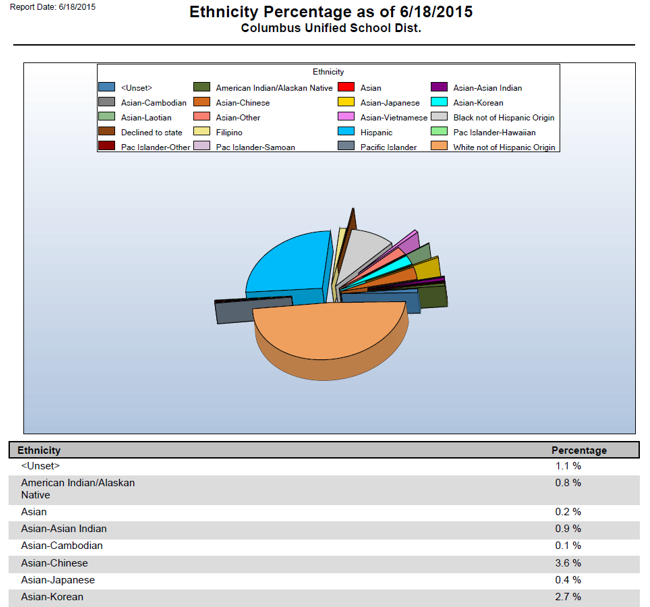
(Sample Ethnicity Trends DST report in 3D with Display Totals in Report)
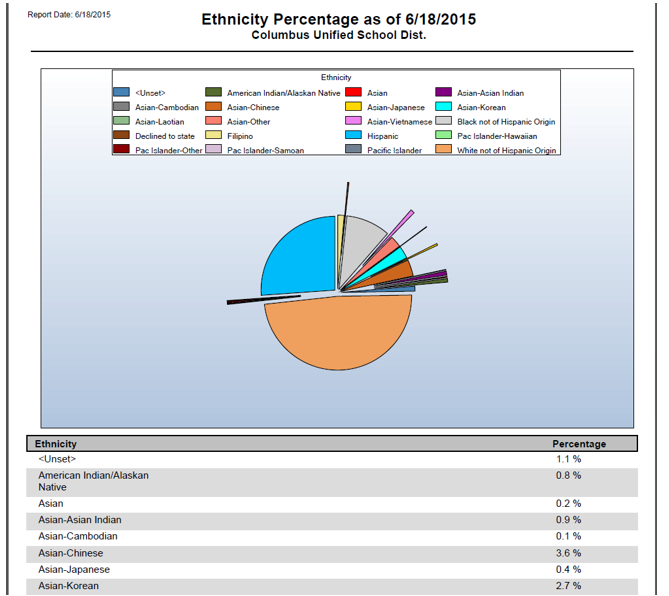
(Sample Ethnicity Trends DST report in 2D with Display Totals in Report)
